


The word managed can conceal very different WordPress arrangements. One provider may maintain the server and runtime; another may also update plugins, test a staging site and help restore content. The useful buying question is what somebody will do when a working part of the website fails, and how the business will know that work is complete.
Separate the environment from the website's behaviour
Hosting provides an environment in which the application runs. A website also depends on WordPress core, a theme, plugins, configuration, content and external services. A valid certificate and a responsive homepage do not prove that an enquiry reaches the business. Map those components and assign an owner to each, including the domain registration and the accounts used to administer them.
Ask the provider to explain the supported software versions, maintenance approach and limits of application troubleshooting. If another developer maintains custom functionality, define when they are contacted and what information the host can supply. Keep the business's ownership of subscriptions and records clear so future changes do not depend on recovering access from a former supplier.
Read backup coverage as a recovery process
The WordPress backup handbook distinguishes the database from the site's files; recovery needs the appropriate components, not merely a reassuring backup status. Confirm what is captured, where copies are retained, who can access them and what recovery assistance is included. Set frequency and retention from how the site changes and the loss the business can tolerate.
Coverage: database, uploads, themes, plugins and relevant configuration.
Access: authorised people can retrieve copies during a hosting or account problem.
Retention: available recovery points suit publishing or transaction activity.
Restoration: a named person can restore into an appropriate environment.
Verification: someone checks the restored site's important business tasks.
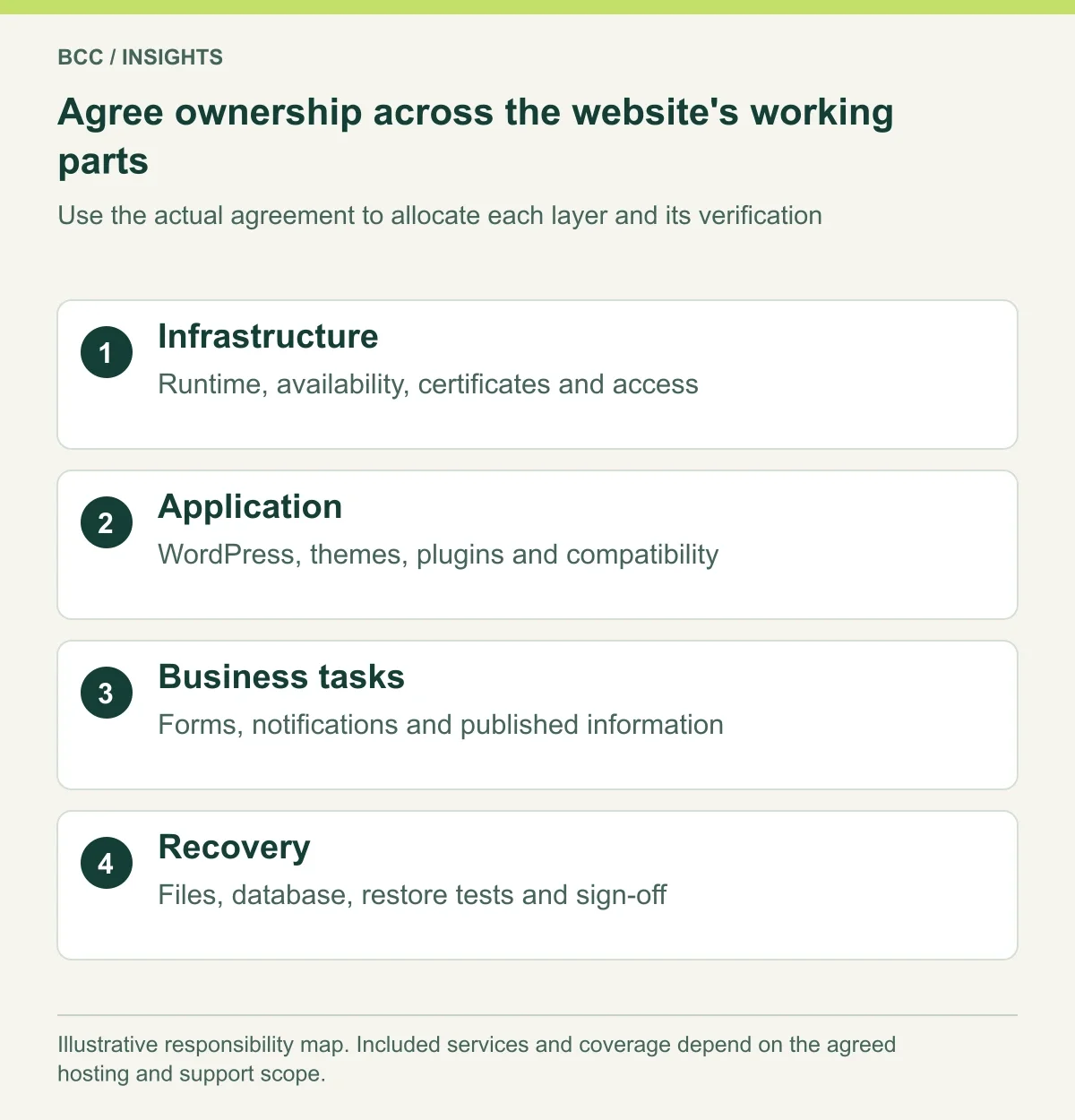
Agree ownership across the website's working parts. Illustrative responsibility map. Included services and coverage depend on the agreed hosting and support scope.
Define what happens around an update
WordPress's upgrade guidance recommends backing up files and the database before upgrading. In an operating agreement, extend the question to responsibility: who checks compatibility, decides the timing, tests important functions and investigates a failure? A staging environment can support this work, but only if it represents the relevant production behaviour and somebody actually uses it.
For a hypothetical consultancy website, the important checks might be an enquiry form, a booking link and a document download. After a plugin change, a valid test submission should appear in the expected destination and generate the intended notification. Use approved test information, avoid emailing real customers, and remove or label test records appropriately. This is an illustrative acceptance approach, not evidence from a client engagement.
Decide where the support boundary falls
A host may investigate infrastructure while a website maintainer fixes a plugin issue. The business should know who coordinates when the cause is uncertain. Record support hours, incident channels and the distinction between responding to a request and restoring a function. A monitoring service alone does not establish round-the-clock human support or an agreed resolution deadline.
Include routine content work in the conversation if staff expect help with it. Updating an address, reviewing accessibility or changing a landing page may sit outside hosting entirely. Ask how requests are estimated and approved, and who verifies the result. Clear exclusions are useful when they direct the business to an owner rather than leaving an essential task unassigned.
Test the handover using someone other than the person who normally maintains the site. Ask them to locate the recovery instructions, identify the required accounts and explain the escalation route. Record missing access or ambiguous responsibilities before treating the arrangement as ready for an absence or supplier change.
Compare proposals using the same checklist
Use your responsibility map when discussing managed WordPress hosting and website hosting with BCC. Match the operating environment with the appropriate website maintenance and support. Request a clear scope covering one update cycle and one recovery exercise before judging proposals on storage or resource allowances alone.
Sources
WordPress Advanced Administration Handbook: Backups — First published 2023-03-28; current page includes later revisions accessed during retrospective batch preparation.
WordPress Advanced Administration Handbook: Upgrading WordPress — First published 2023-03-28; current page includes later revisions accessed during retrospective batch preparation.
Editorial date: 2 October 2026, assigned for this retrospective Insights series. Prepared and sources checked on 30 October 2026. Updated 30 October 2026.